Network connection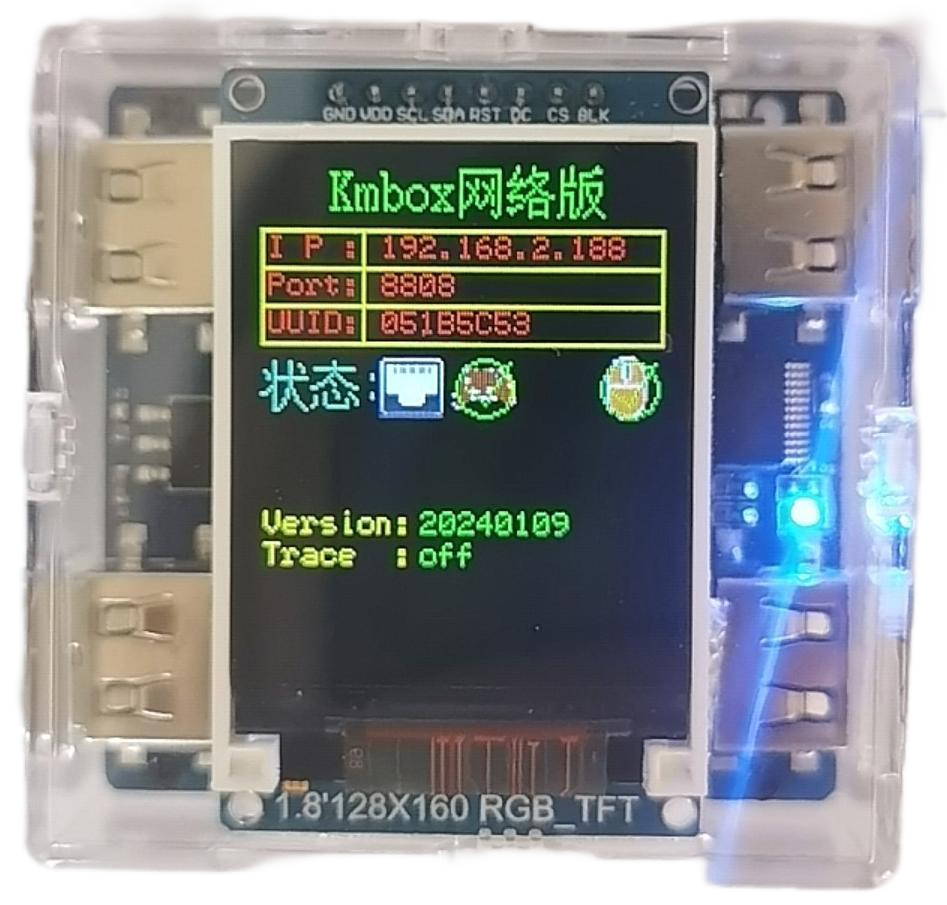
Obsidian for Windows
AI aim assistance. Individual weapon profiles.
All your settings in one place.
 Inside Obsidian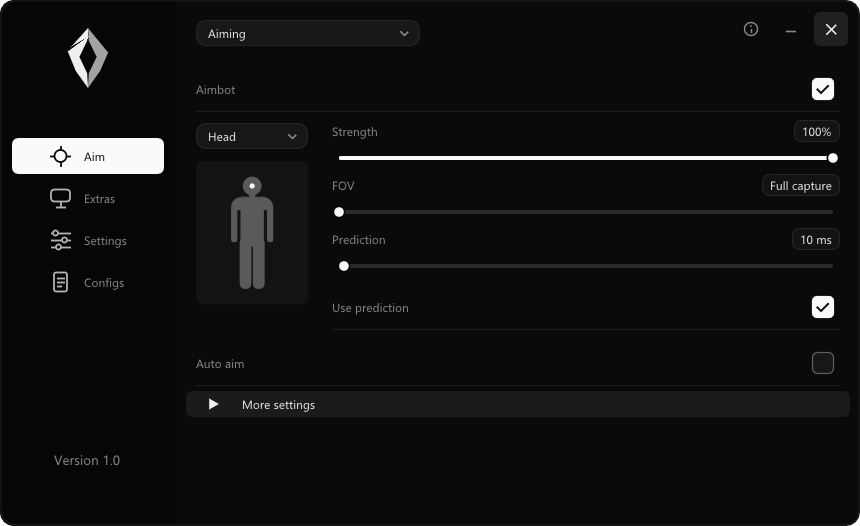
Built around your setup
Your shotgun and AR don’t need the same settings. Keep separate profiles and switch without starting over.
Choose an aim point. Adjust strength, field of view and prediction.
Aim settings ↗02Five weapon slots with individual settings for each.
Weapon profiles ↗03Save your configs and keep your preferred visuals and sensitivity references together.
Explore the features ↗Start with your setup
Choose CUDA for NVIDIA or DML for AMD and Intel. Xbox controller input on PC has been tested. Using a mouse or external device? Check the setup guide first.
Fortnite gameplay
Watch the highlights, or choose a fight below. Taken from our latest gameplay recording.
60 FPS. Original audio. No added blur.
Hardware
Use an Xbox controller directly on your PC, or choose a mouse or external device setup. Xbox aiming and trigger firing have been tested in Fortnite.
Check compatibility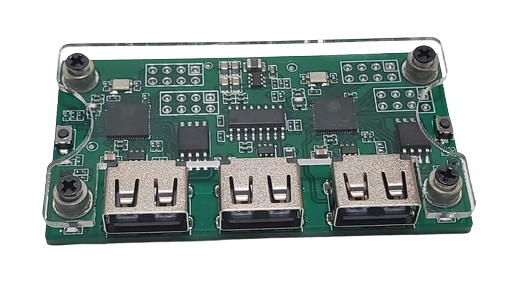
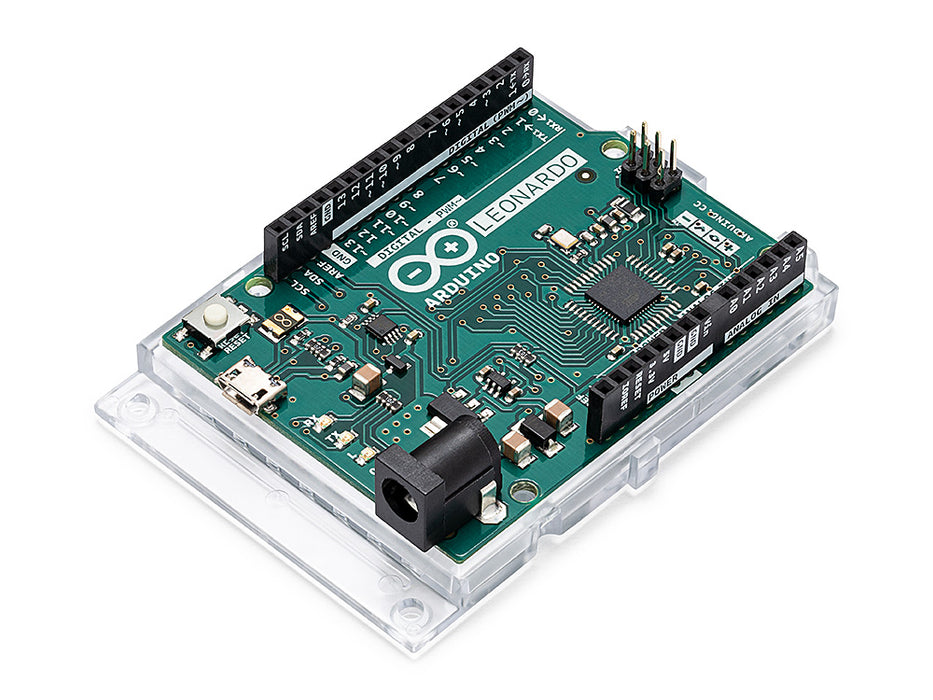
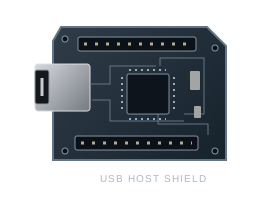 Representative board + shield illustration
Leonardo and a USB Host Shield. Firmware setup and soldering may be required.
Optional hardware, sold separately by third parties. Compatibility depends on the device, firmware and setup. Also listed in the menu: KMBox A, RP2350 and Teensy 4.1.
Performance
Capture, detection and overlays have their own controls. Adjust the model and capture settings to suit your PC, then watch the runtime stats in the app.
Measured results will be published with the test hardware, model and settings.
Community
Talk to us in Discord. Get help with your setup, compare settings and share your clips.
Ask us before you buy, or get help finding the right settings.
Prices in GBP
The same app and features with every licence. Pick how long you want access.
Monthly30 days£14.99
Lifetime means no scheduled licence expiry. Hardware is sold separately. One-time purchases.
Choose a duration in the pricing section and add it to your cart. Review your selection, then continue to the embedded SellAuth checkout.
The tested Xbox controller setup connects directly to your PC by USB, with no Arduino or external input bridge needed. Mouse input paths are also included. Other input and capture configurations may require compatible hardware, firmware or drivers. Third-party hardware is sold separately.
Xbox controller input has been tested in Fortnite on PC, including aiming and trigger firing. Connect your Xbox controller directly to your PC with a USB data cable and select CONTROLLER in Obsidian. No Arduino, USB Host Shield or external input bridge is needed for this setup. The virtual Xbox driver is required. PlayStation controllers remain untested; native PlayStation and DirectInput input are not currently implemented. This test does not confirm Xbox or PlayStation console support.
After confirmed payment, keep the key on your SellAuth order page and in the delivery email. Join Discord and use the private redemption form in redeem-key to unlock the matching customer role and download channels. Never post a full key or receipt link publicly. If the bot is temporarily unavailable, open a private support ticket. See the installation guide.
We do not guarantee undetectability, account safety or tournament eligibility. Aim automation can violate game and event rules and can lead to account penalties or disqualification. Check the rules that apply to you.
Discord
Follow development, ask a question and get the latest release news.