
Xbox controller on PC
Tested by the owner with aim assistance and trigger controls. Connect directly to Windows. No Arduino is needed for this path.
Setup instructionsInput & hardware
Your GPU build and input method are separate choices. Check your device and firmware before ordering extra hardware.
Tested by the owner with aim assistance and trigger controls. Connect directly to Windows. No Arduino is needed for this path.
Setup instructionsThe app exposes software and external-device input choices. Compatibility depends on the selected driver, device and game environment.
Check your input modeOptional devices
These options are present in the app. A listing is not certification of every model or firmware.
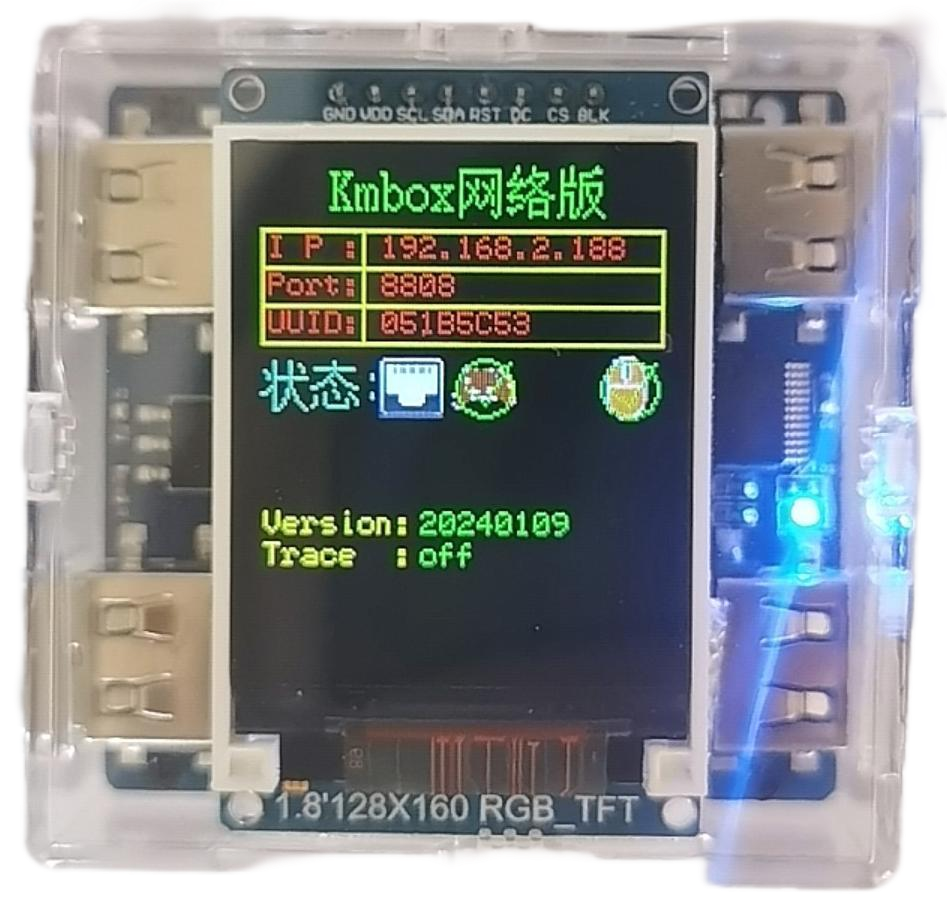
Network-connected input option. Match the address, port and device configuration.
Manufacturer information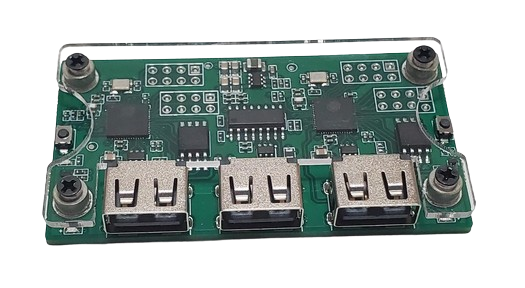
Serial input option. Check your firmware and device port before configuring it.
Manufacturer information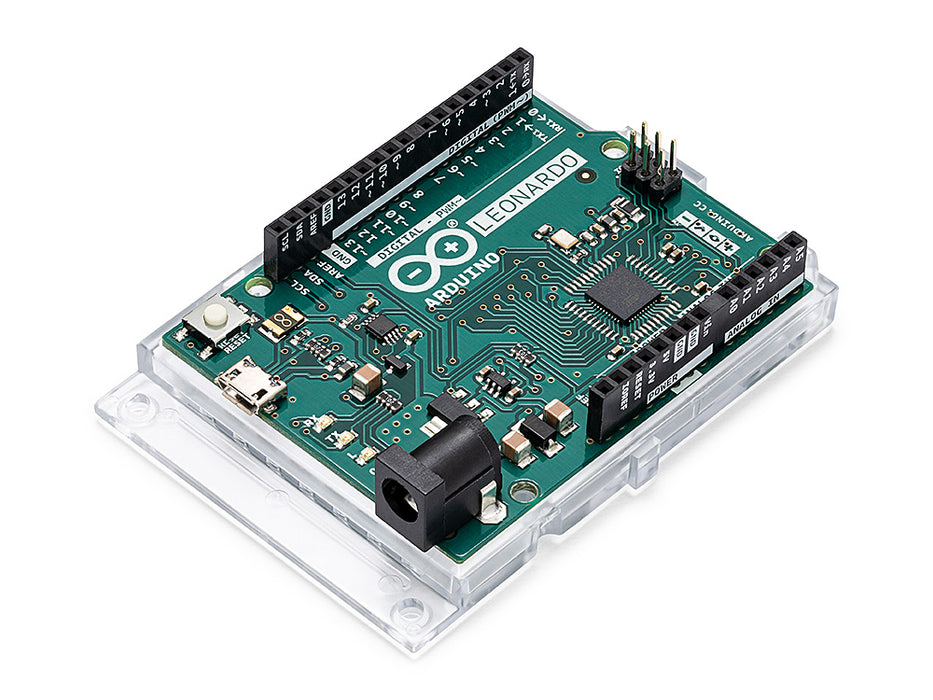
Board-and-shield setup. Compatible firmware and complete soldering may be required.
Manufacturer informationHardware is sold separately by third parties. Obsidian is not affiliated with these manufacturers. Other menu options include KMBox A/B, RP2350 and Teensy 4.1; confirm your exact device with support.